Your practice room,
docked in the browser.
Metronome, tuner, timer, stopwatch, library, notes, and video practice controls in one tidy side panel — right next to whatever you're learning. Less setup, more playing.
Built for the way
musicians actually practice
Every practice tool in the side panel. Keep playing. Keep focused.
Keep steady time.
Stay in tune.
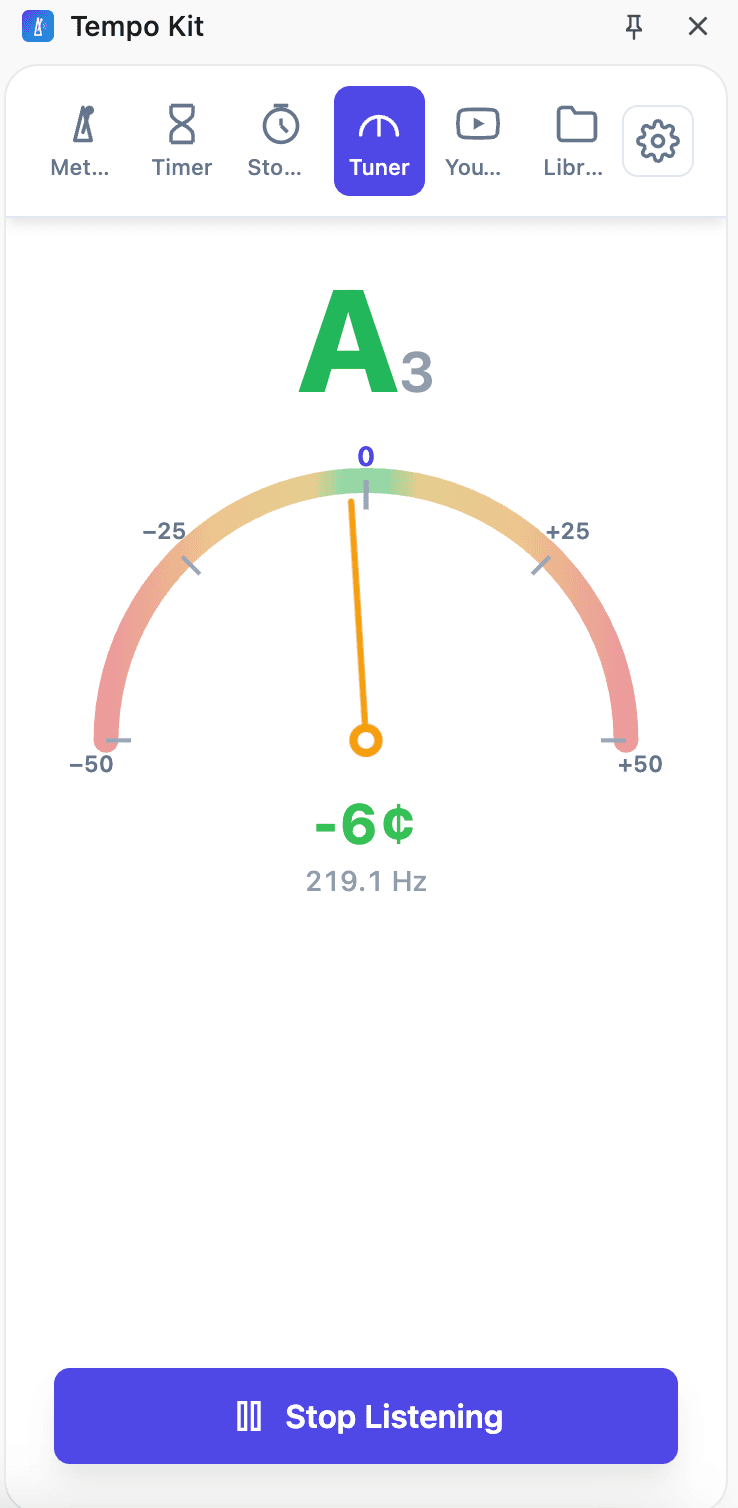
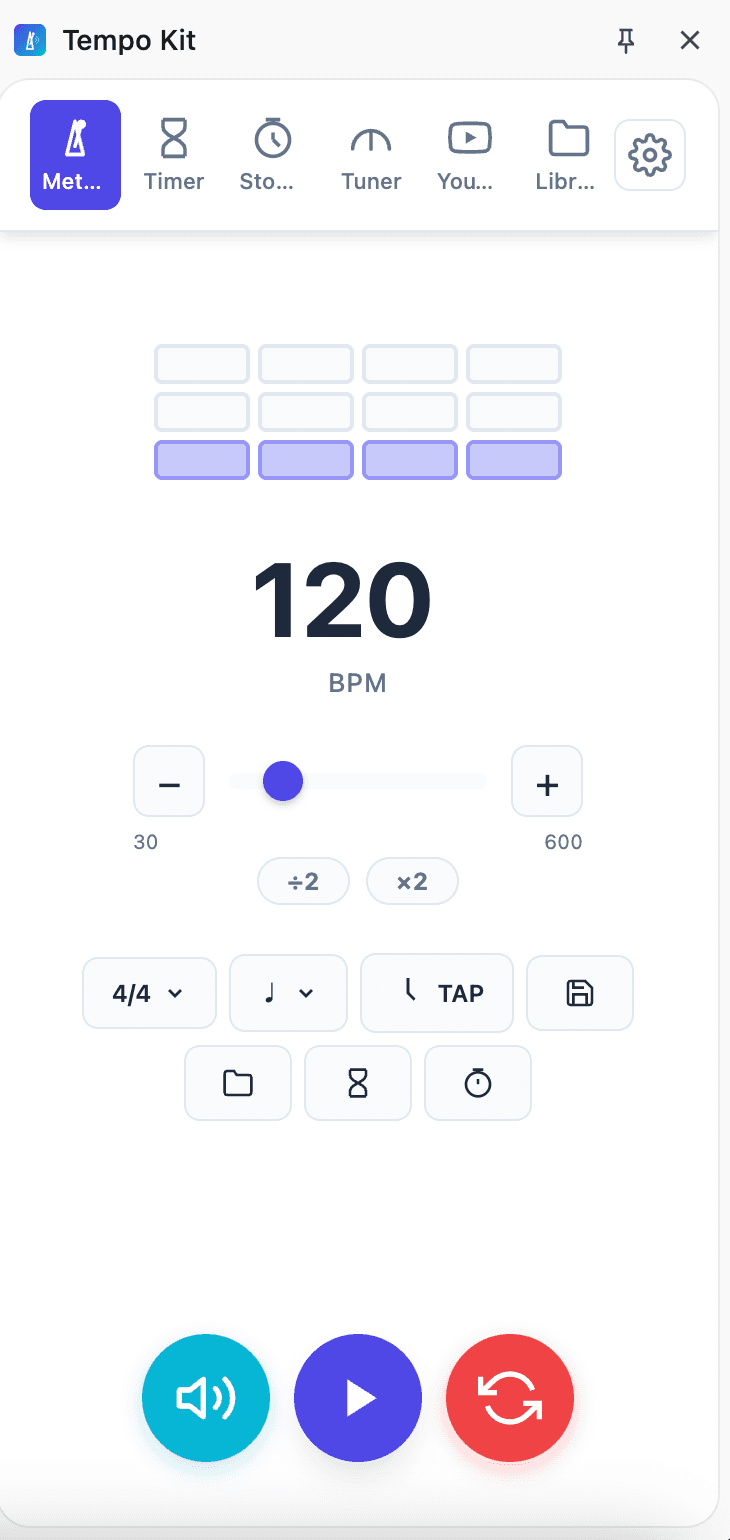
A full metronome — 30 to 600 BPM, tap tempo, subdivisions, swing — plus a real-time chromatic tuner that reads your mic and shows note, cents, and Hz. Audio is processed on your device.
- Tap tempo, swing feel, per-beat volume
- Note, octave, cents & Hz readout
- Mic audio processed locally — never recorded
Slow it down.
Loop it. Nail it.
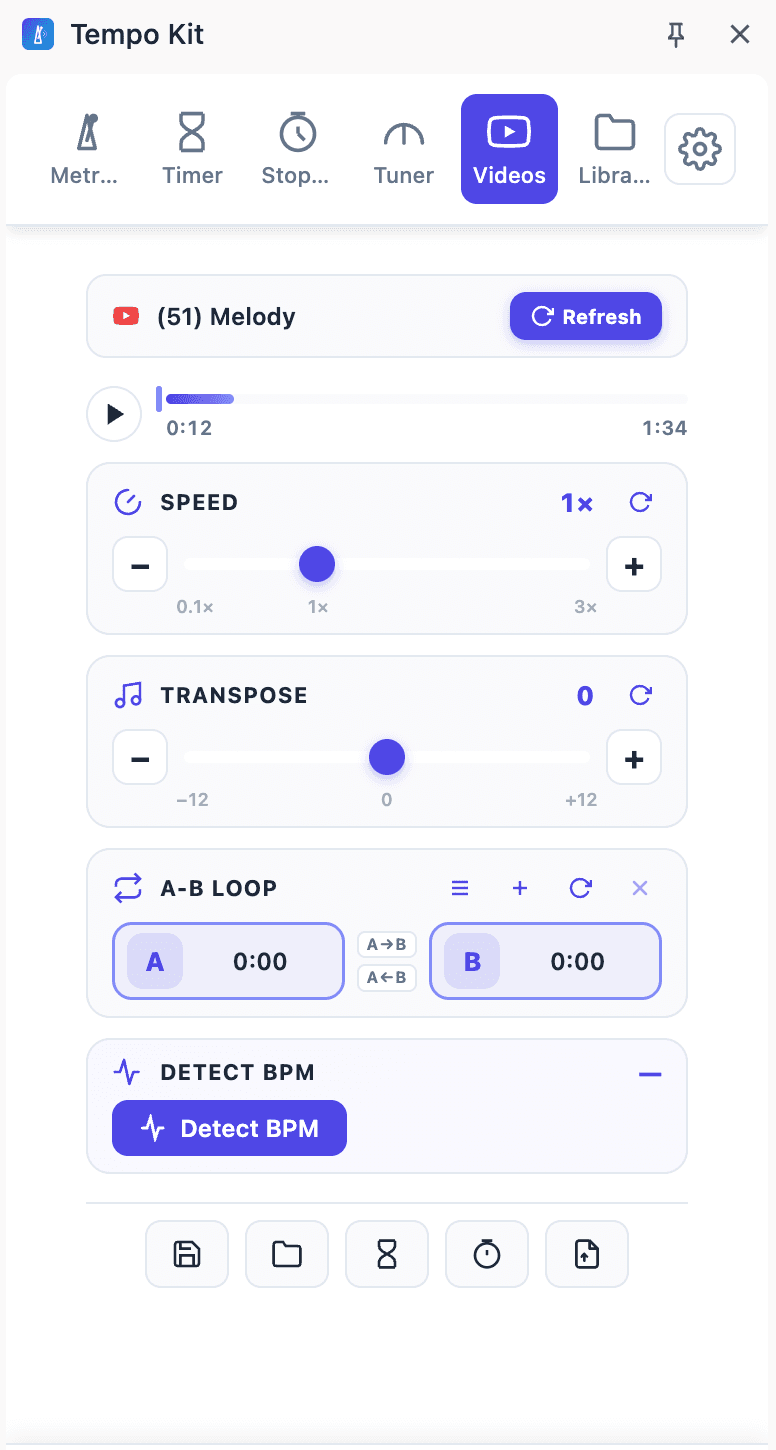
Works on YouTube and Bilibili out of the box. Slow down a passage, transpose the pitch, mark an A–B loop, and run BPM detection from the tab — all from the side panel.
- Speed 0.1×–3×, pitch ±12 semitones
- A–B loop markers and BPM detection
- YouTube, Bilibili, and your own files
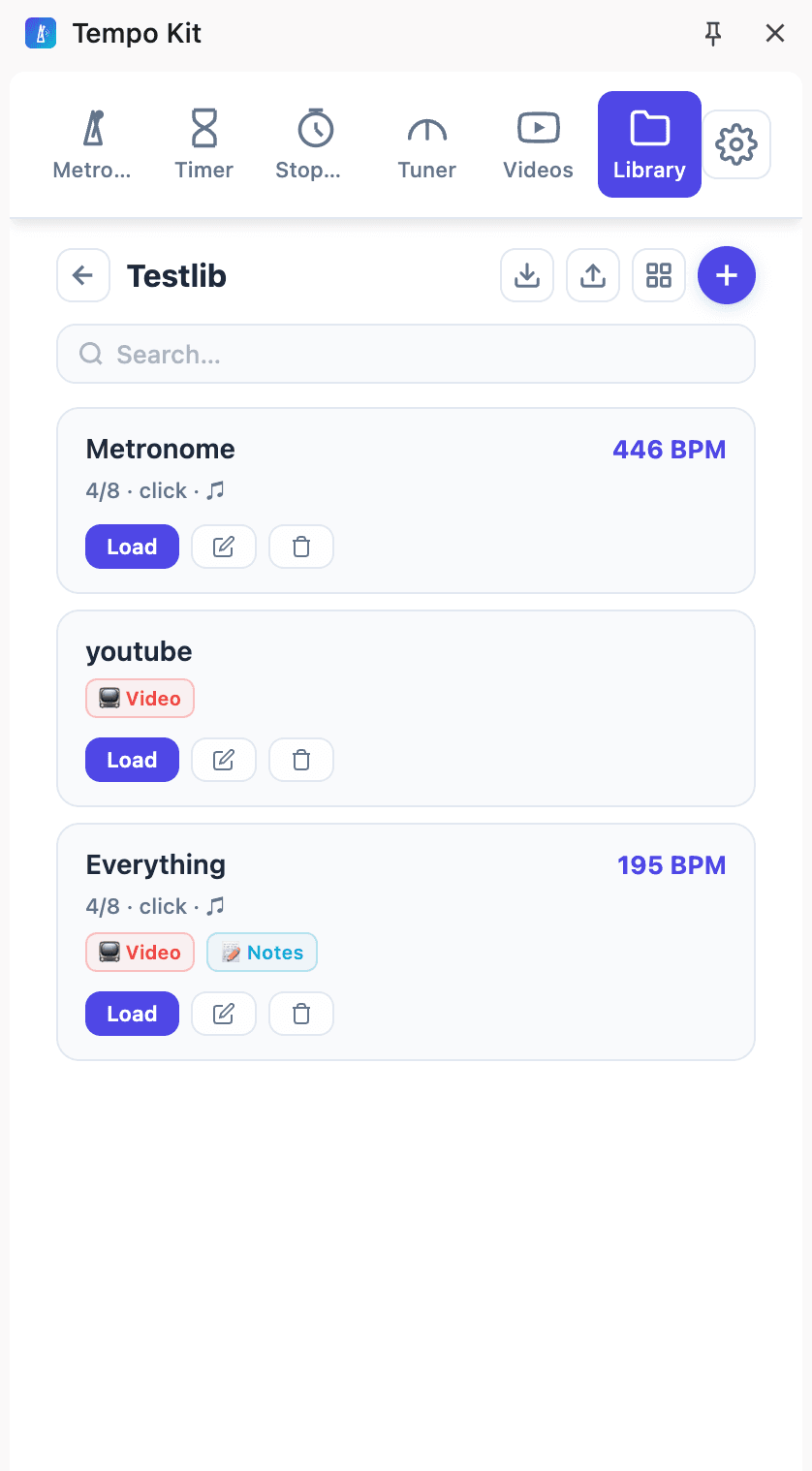
Save your setup.
Pick up where you left off.
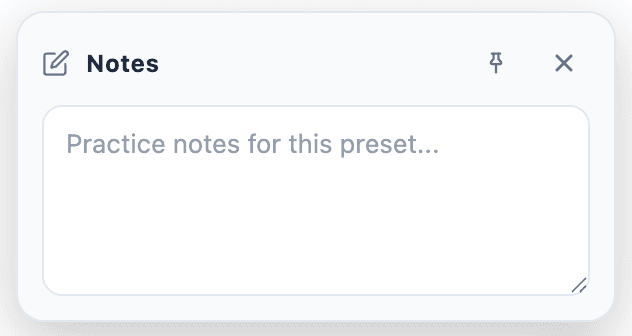
Save any combination — tempo, video, speed, pitch, loop, notes — as a named preset. Pin note to different tabs to keep track and analyze what you are practicing. Reload in one click. Export the whole library as a backup.
- 3 presets free · 300+ with Pro + folders
- Pinned practice notes per preset
- Export & import as a backup file
Features
All tools, free and Pro, at a glance.
Free to start. Unlock video tools and library space.
Start with the metronome, tuner, timer, and stopwatch. Upgrade to Pro for video practice controls and the full practice library.
Is Tempo Kit really free?
What can I practice with?
When does Pro activate after I buy it?
Does Tempo Kit record my audio?
What is the refund policy?
How do I cancel a subscription?
Still have questions?
Visit the Support & Docs pageReady to practice without
switching apps?
Start with the free core tools. Add Pro when you need video controls and more presets.