Share your practice
Turning your own practice into something you can post or review, passing Tempo Kit on to someone who’d get something out of it, and the press kit if you’re writing about it.
New in 1.1.0
The practice recap card
Practice is invisible. You put in six weeks and have nothing to show for it but a piece that’s slightly less bad, which can be a demotivating way to spend six weeks, and it’s why people quit in month two rather than month twelve.
The recap card is the fix: one tap turns a week, a month, or a year of your practice into a share-ready image. Hours put in, sessions logged, and what you actually worked on, pulled straight from the journal, so there’s nothing to fill in.
Click a card to see it full size (← → to move between them), Esc to close.
How to make one
- practice for a week with Tempo Kit.
- Open the Journal tab and go to Review.
- Pick weekly, monthly, or yearly, click share, and tap to generate the card.
- Save the image and post it wherever you like.
Why posting it works: a public number is a commitment device. If that sounds like pressure rather than motivation, don’t post it; you can save it privately.
For writers
Press kit
Everything you need to write about Tempo Kit: the images and the facts. All of it is free to use, no permission needed.
Images
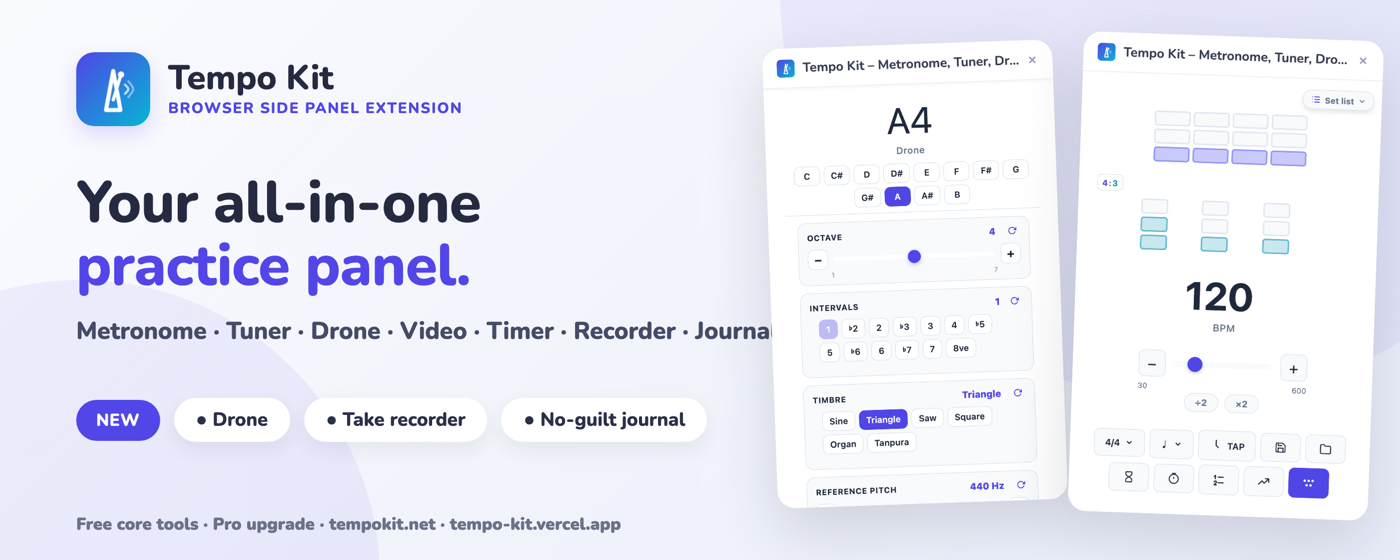
Marquee banner
PNG · 1400 × 560 · click to download
Promo tile
PNG · 440 × 280 · click to download
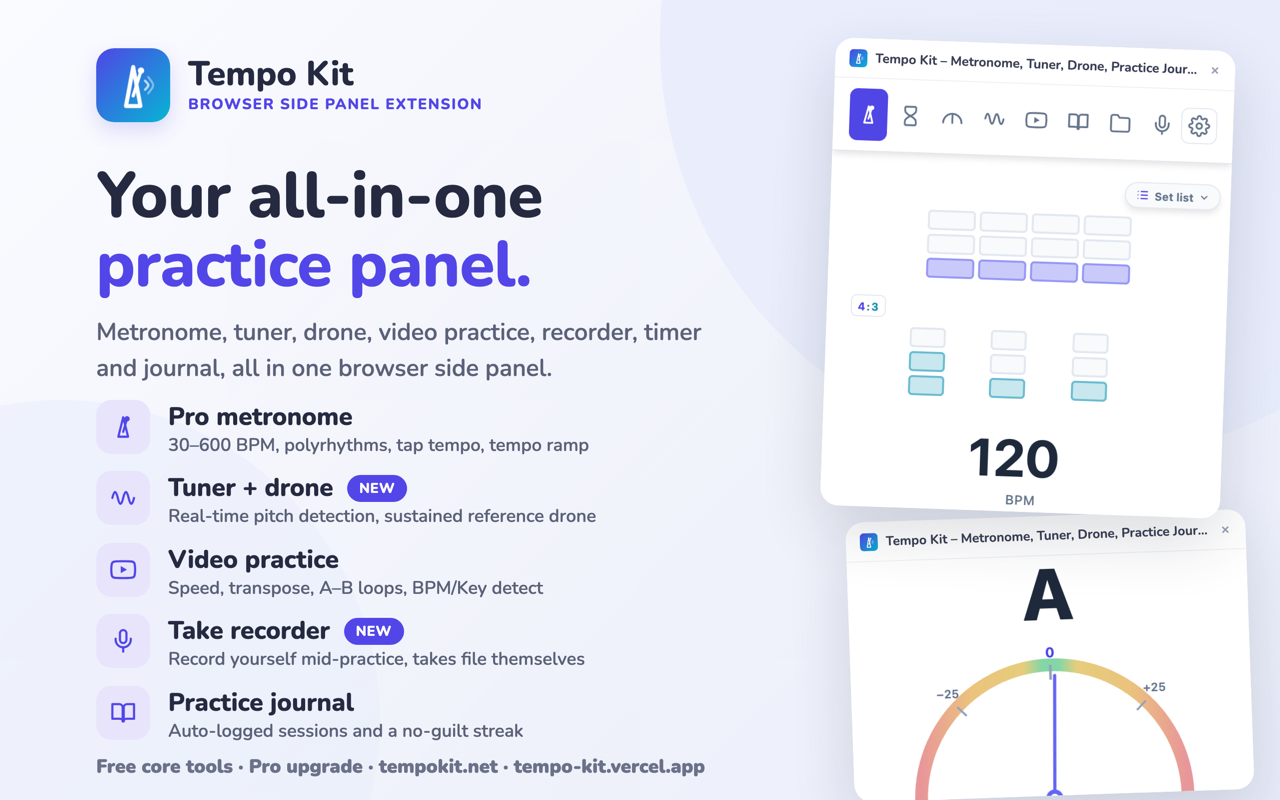
Screenshot: overview
PNG · 1280 × 800 · click to download
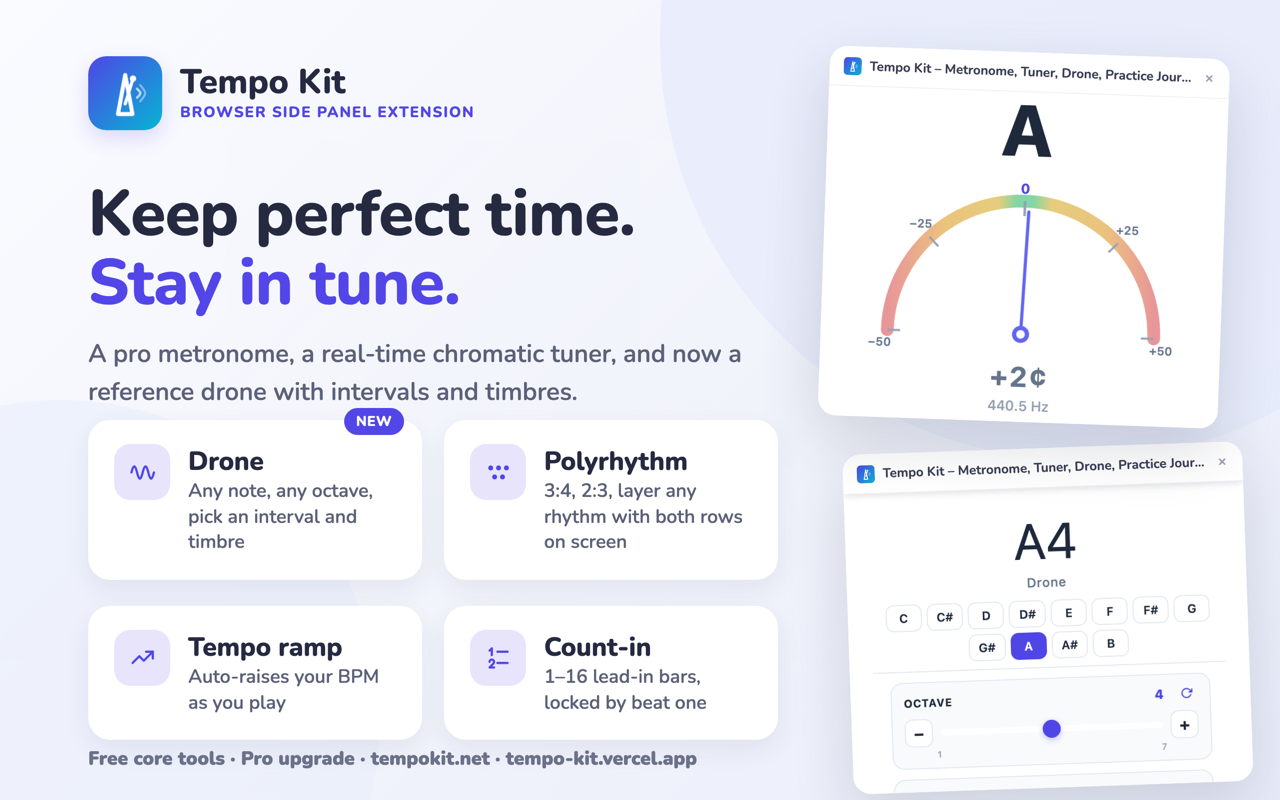
Screenshot: metronome & tuner
PNG · 1280 × 800 · click to download
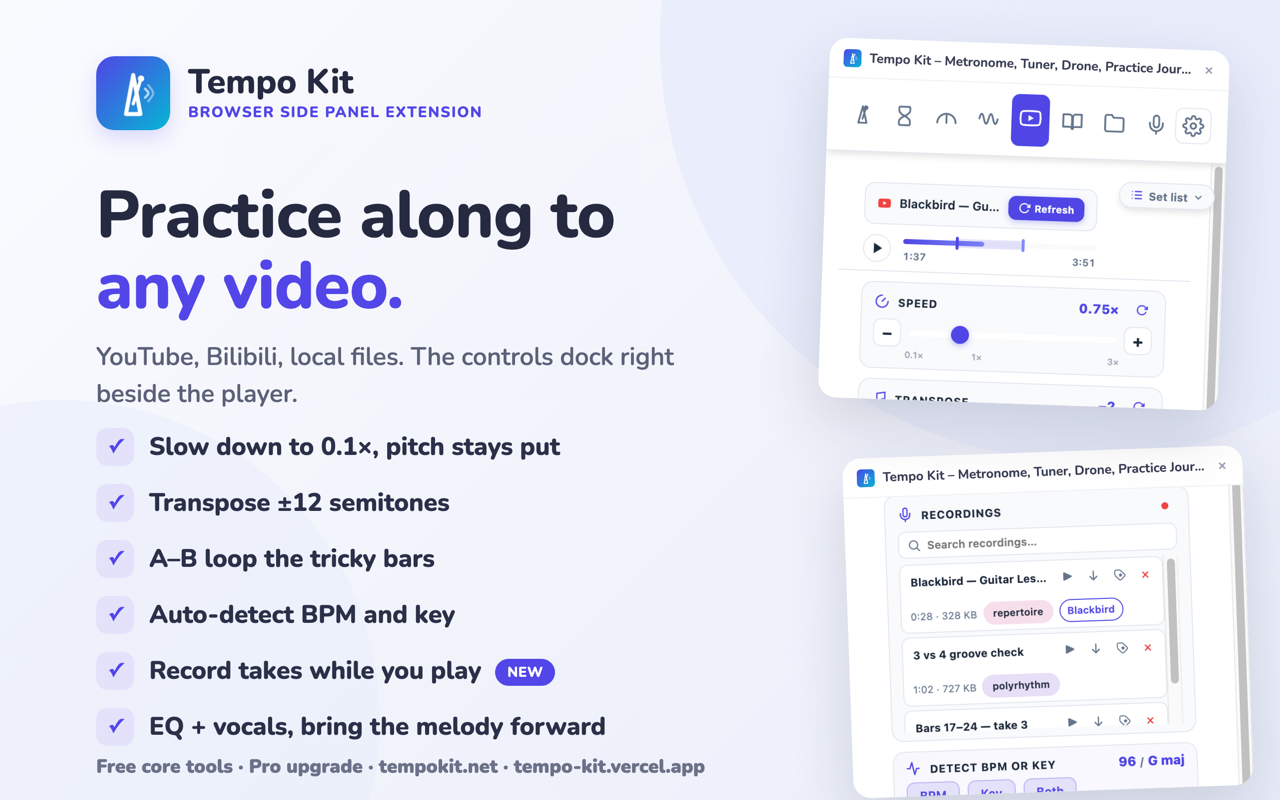
Screenshot: video practice
PNG · 1280 × 800 · click to download
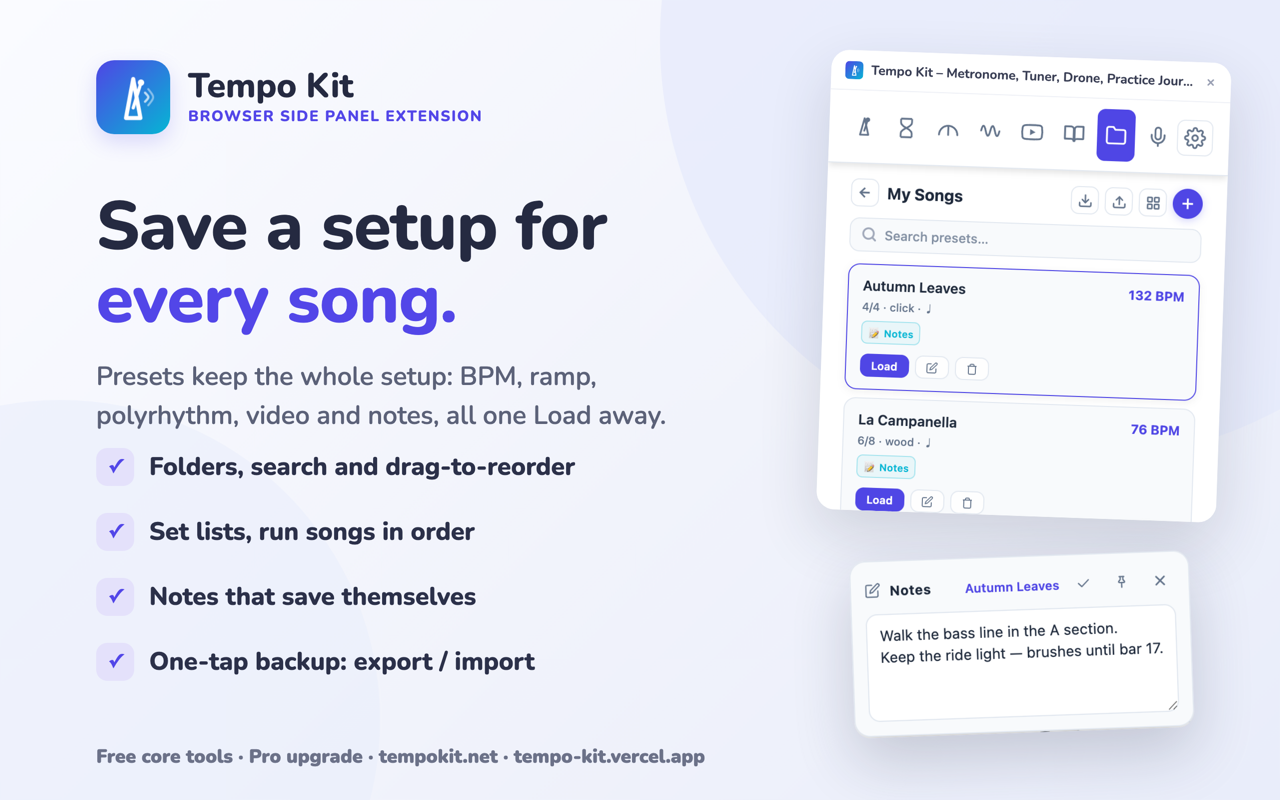
Screenshot: library & notes
PNG · 1280 × 800 · click to download
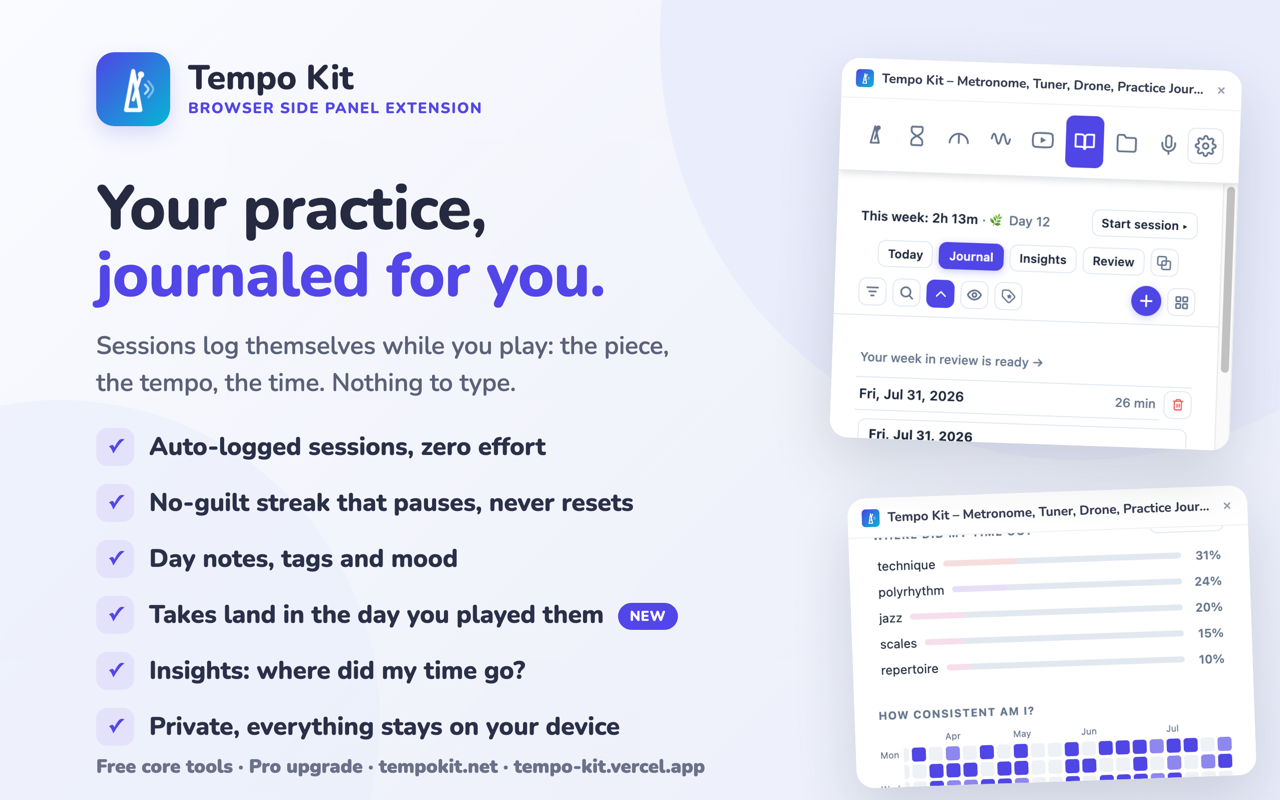
Screenshot: practice journal
PNG · 1280 × 800 · click to download
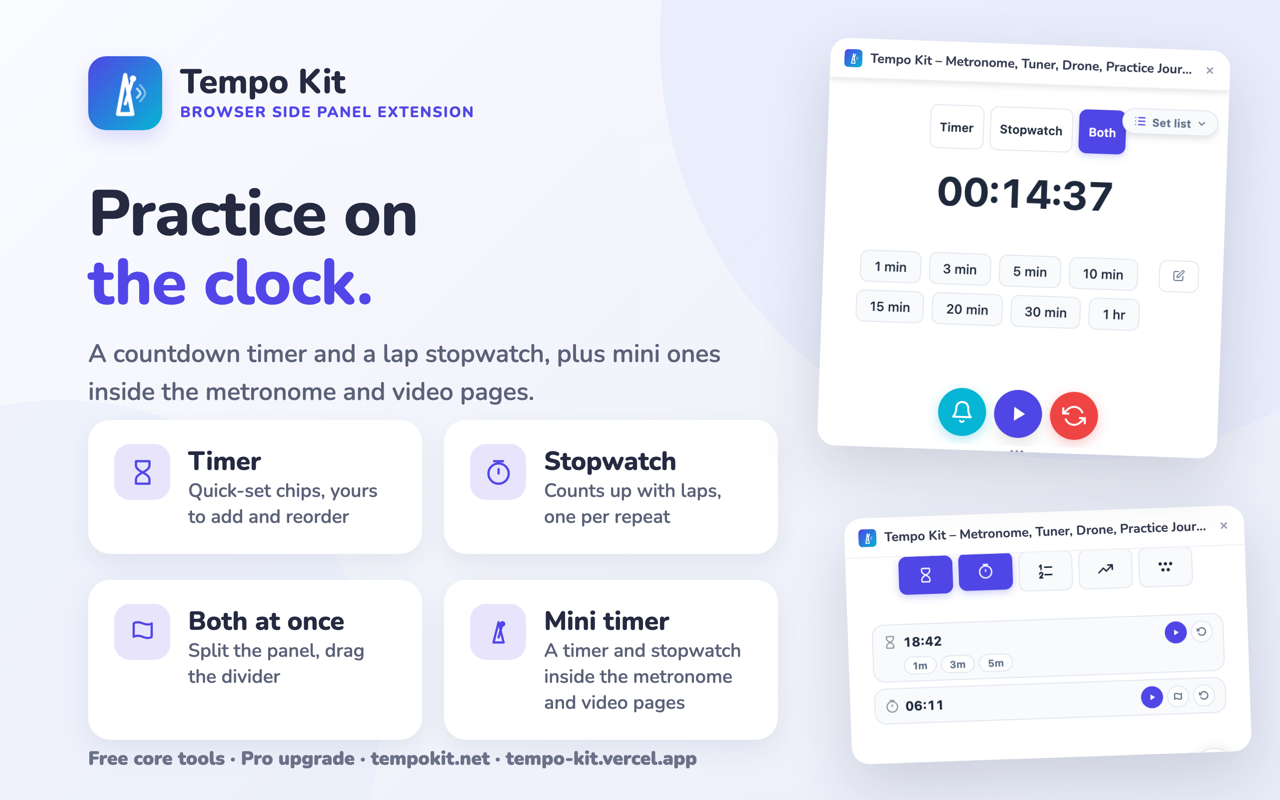
Screenshot: timer & stopwatch
PNG · 1280 × 800 · click to download
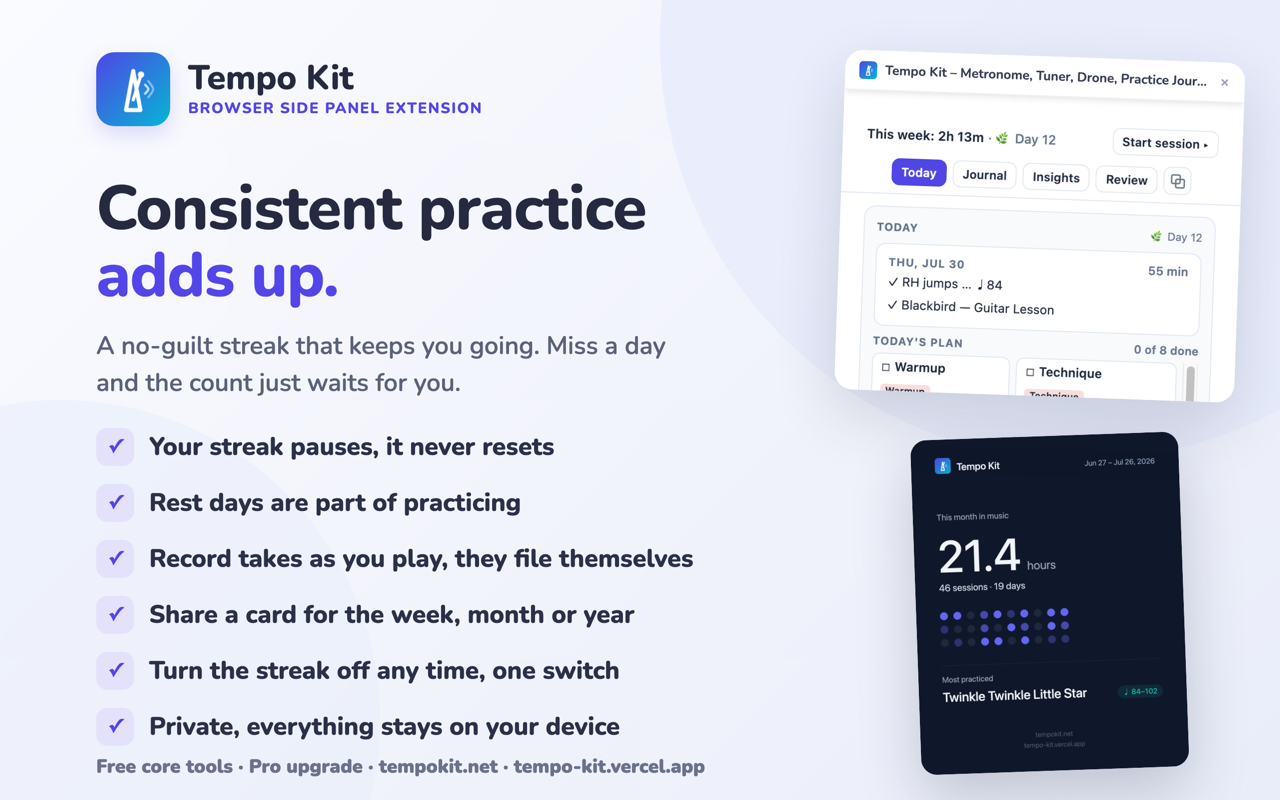
Screenshot: no-guilt streak
PNG · 1280 × 800 · click to download
 App iconPNG · 128 × 128 · click to download
Panel screenshots
The side panel itself, 800 × 1600 each.
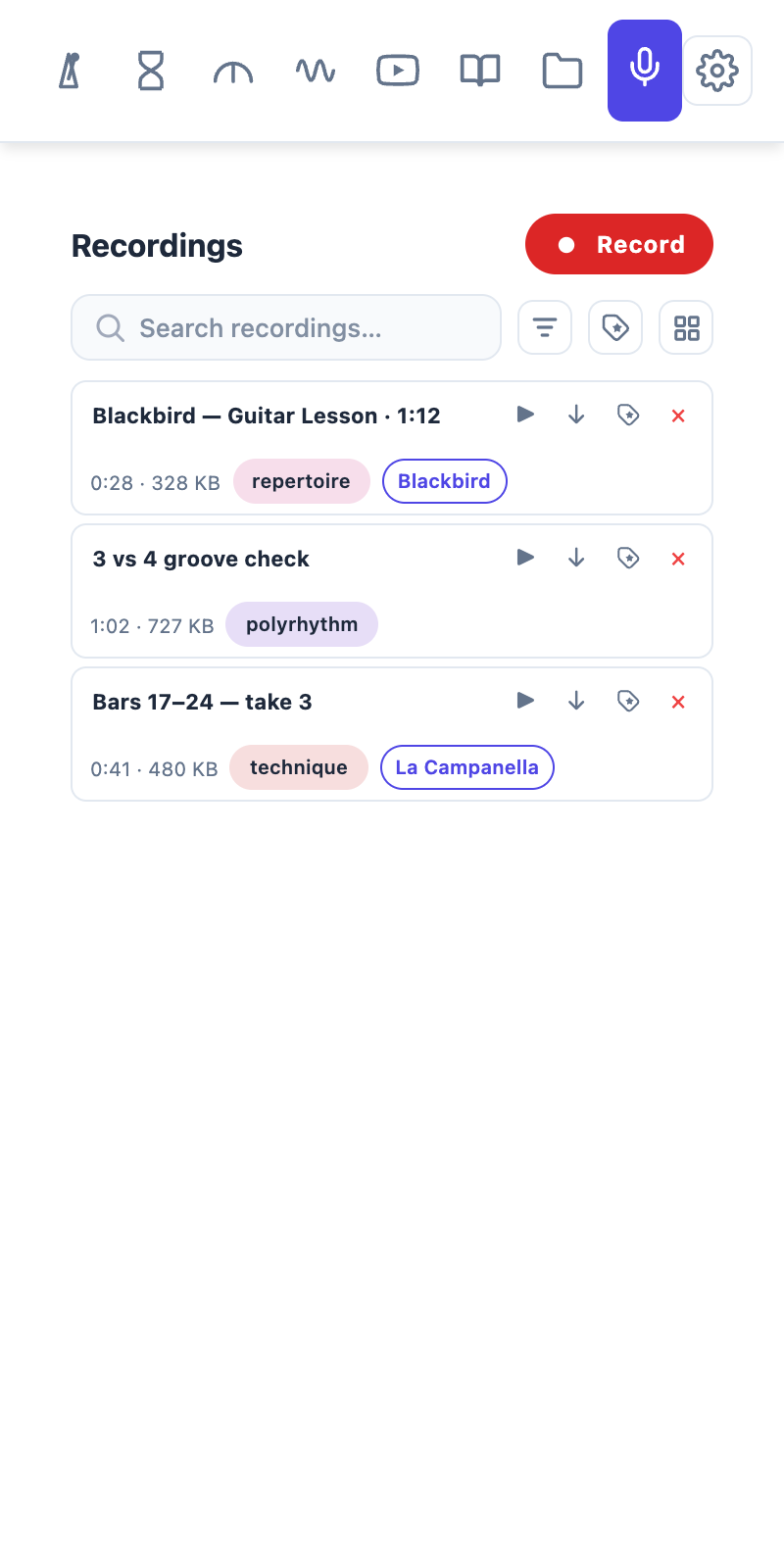
Practice recordings
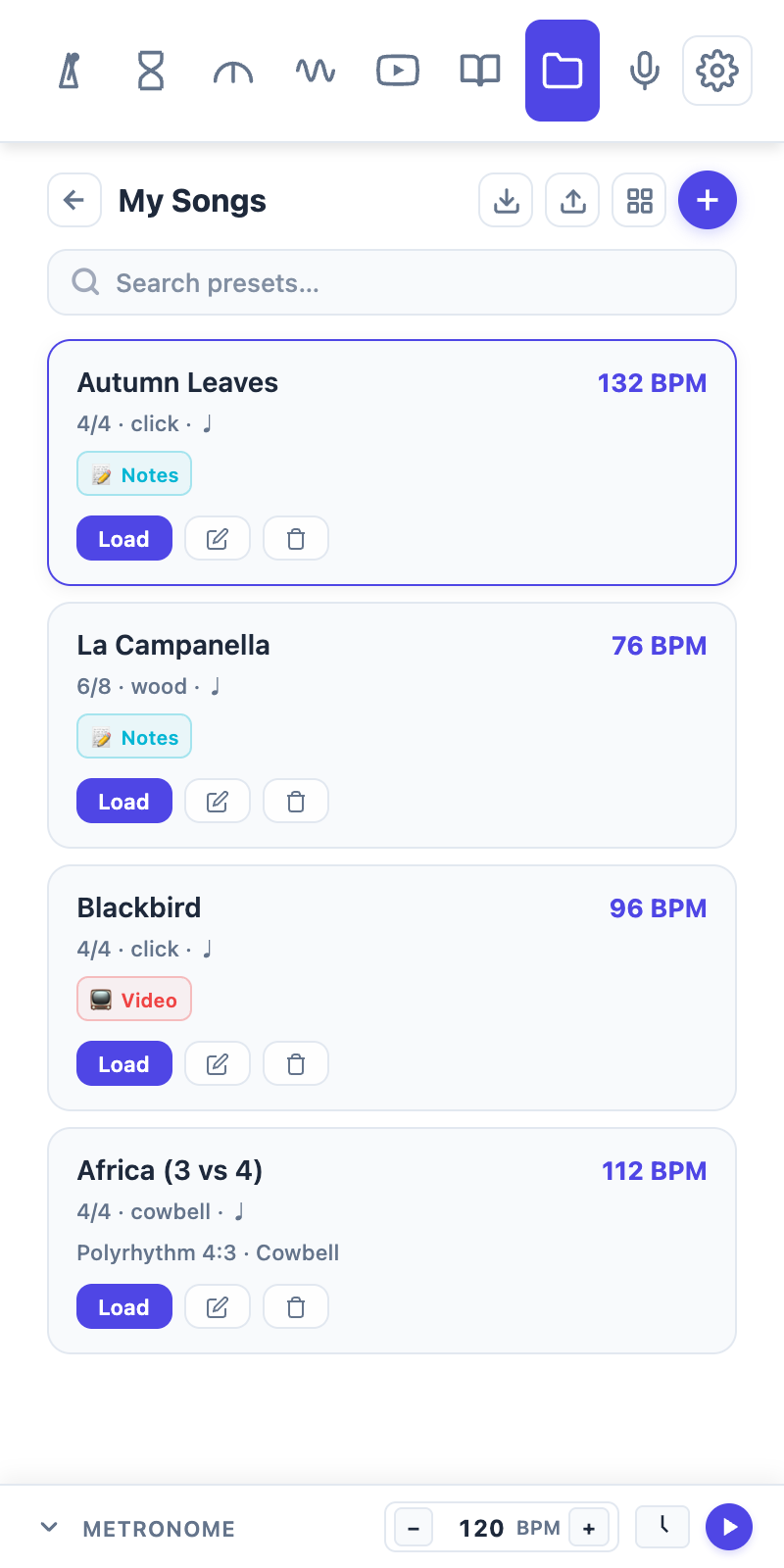
Library & presets
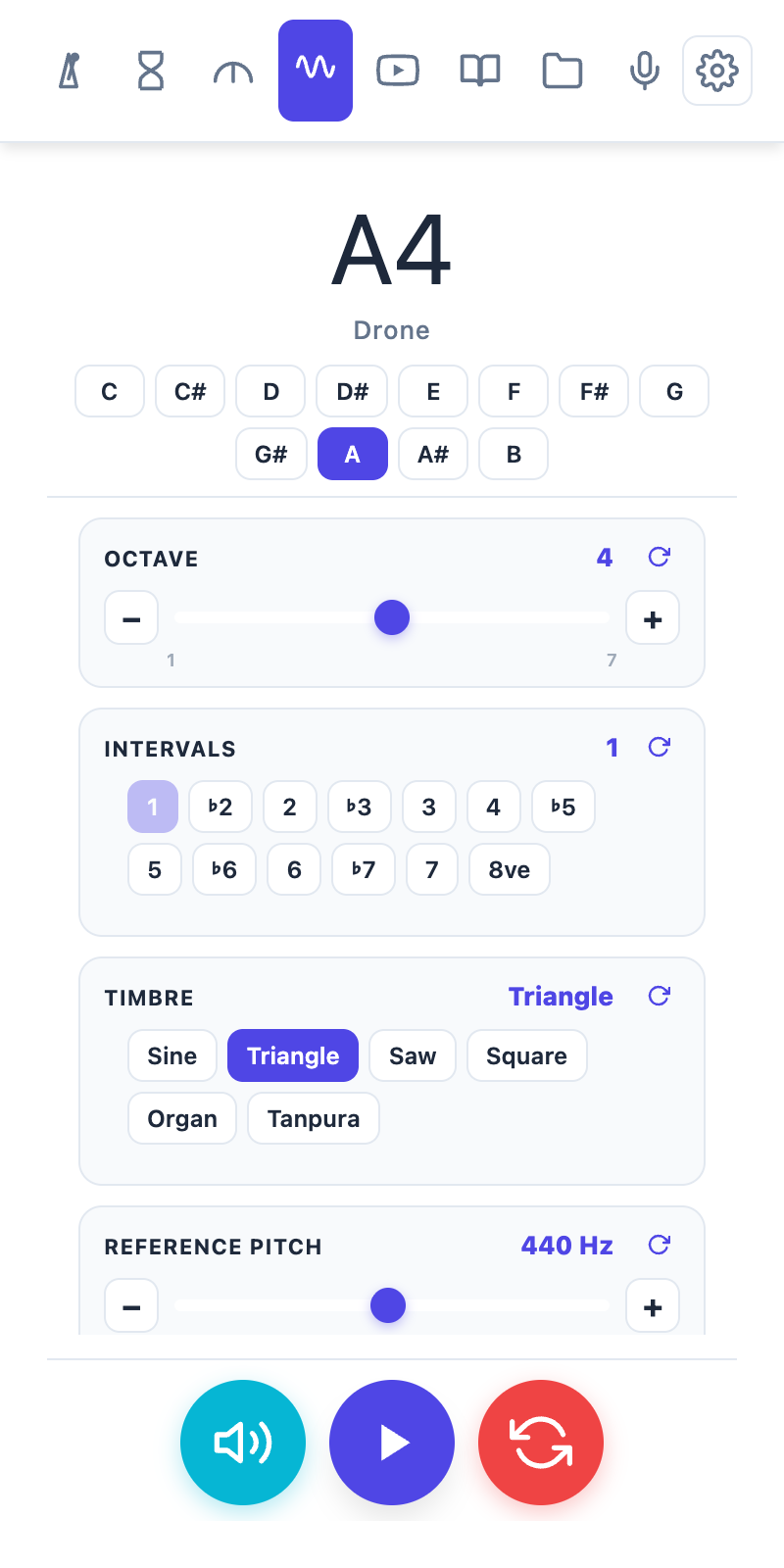
Drone
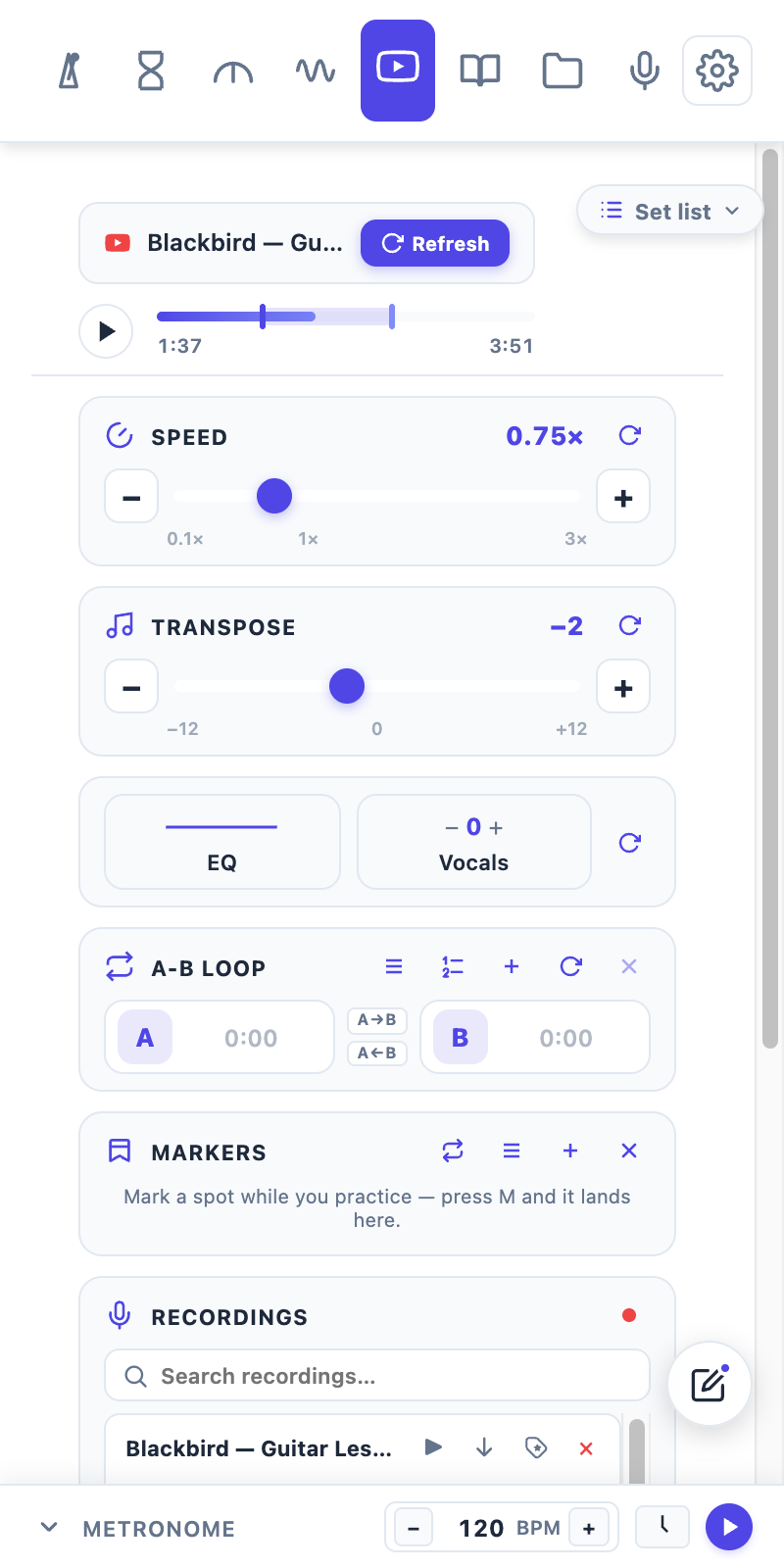
Video practice controls
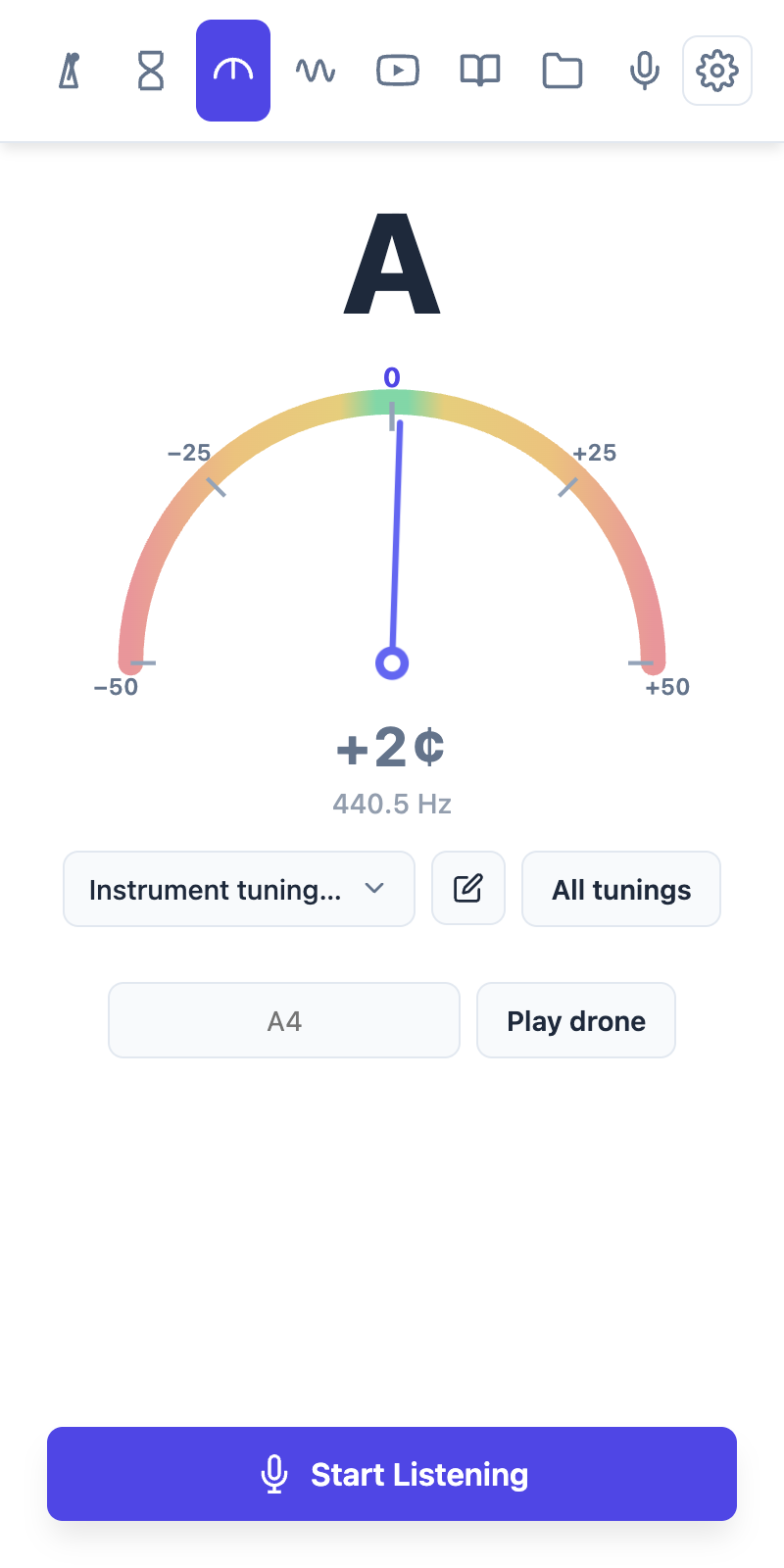
Tuner
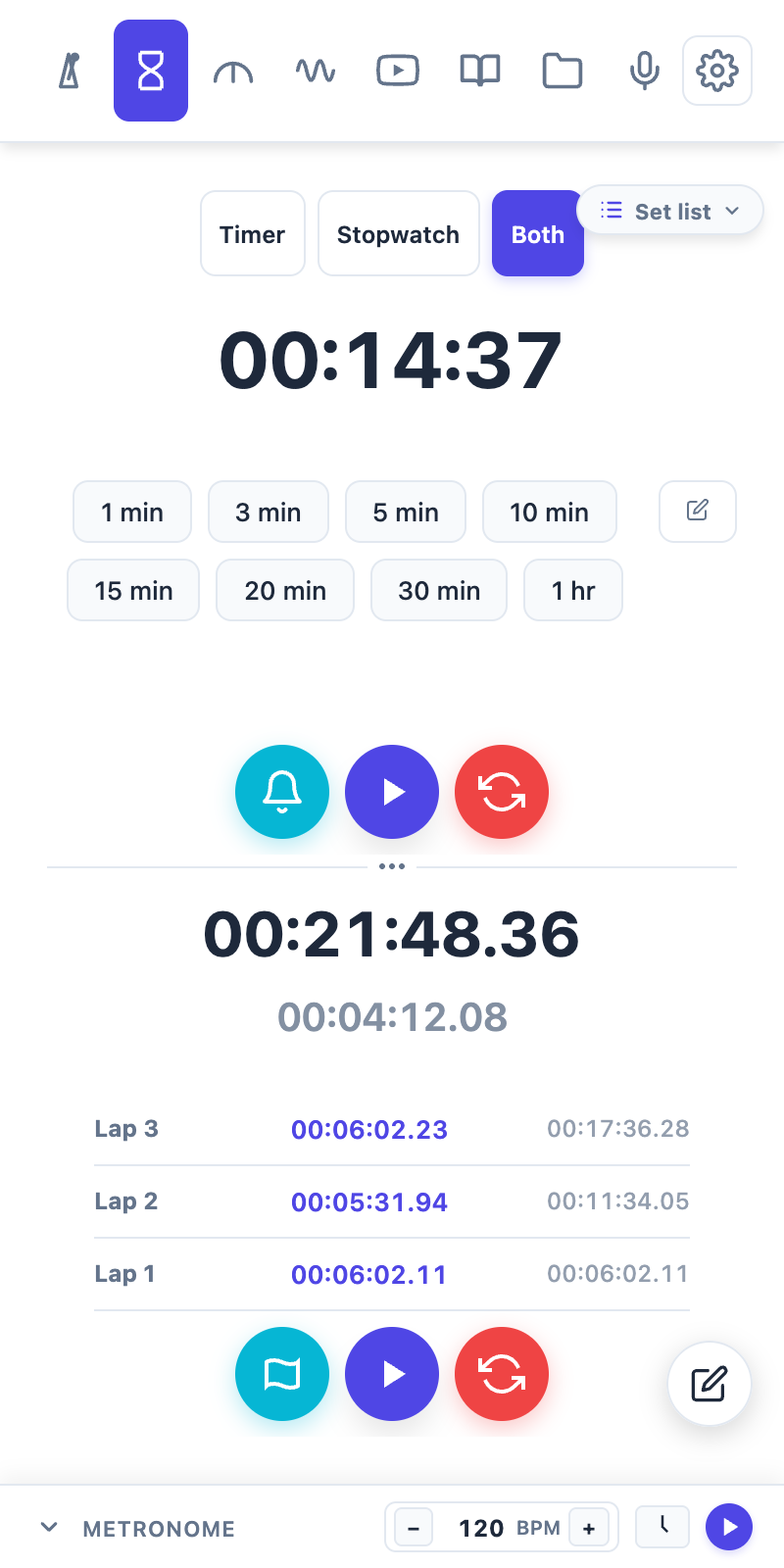
Timer & stopwatch
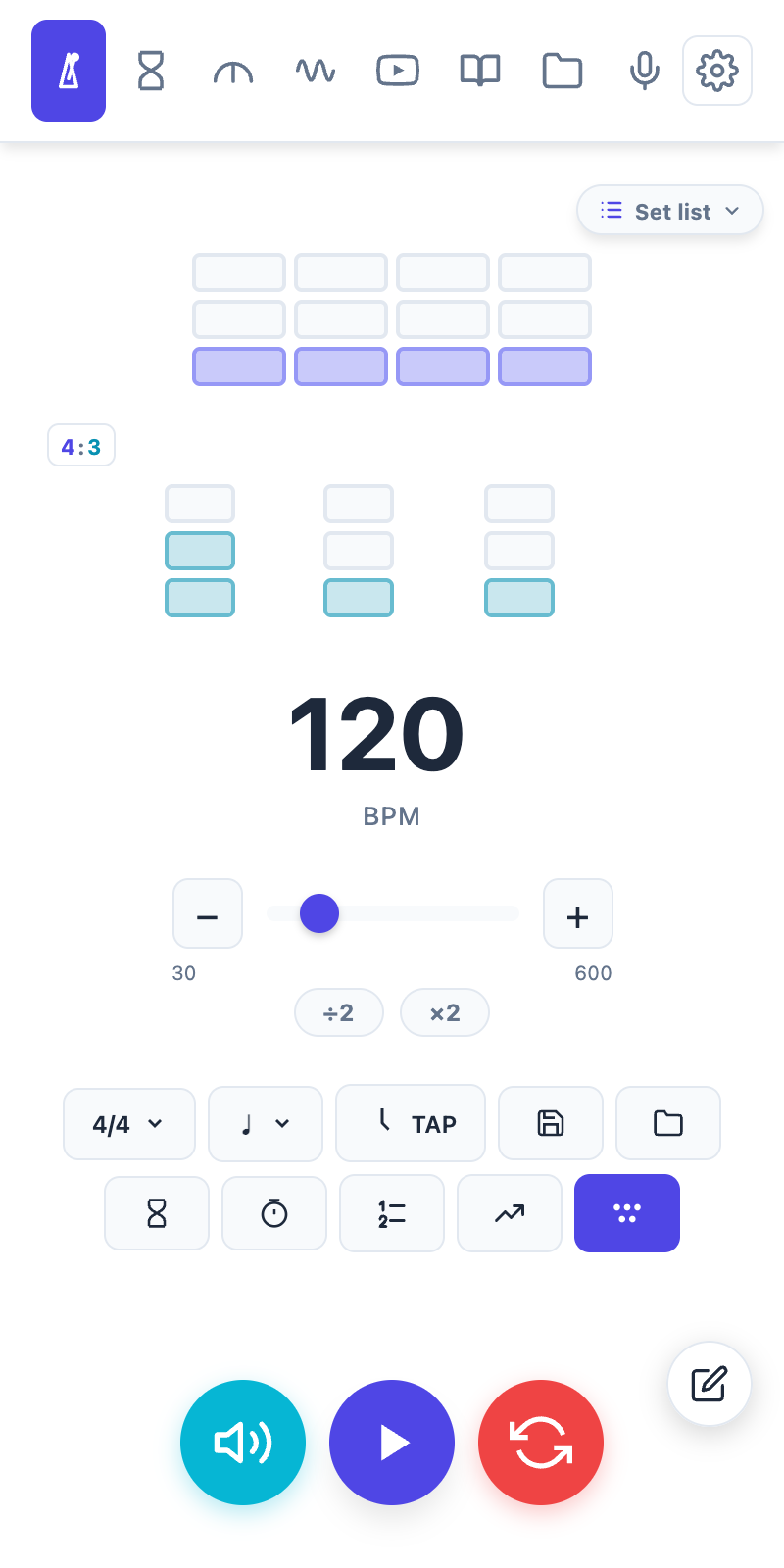
Metronome
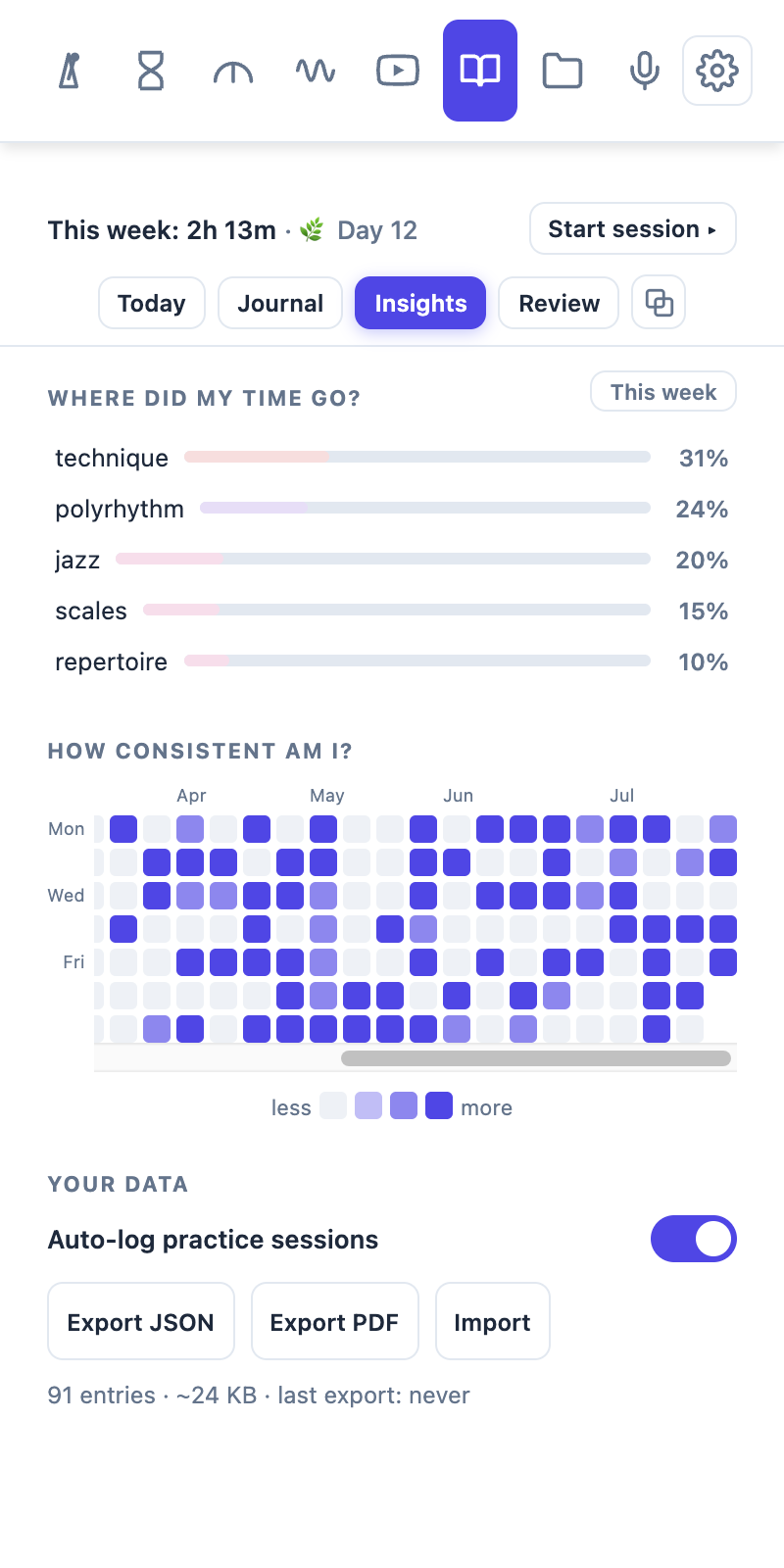
Journal stats
Quick facts
- Name
- Tempo Kit
- Maker
- Crescendo Companion
- What it is
- A browser side panel with a metronome, chromatic tuner, drone, timer, practice recording and video practice controls, plus a practice journal that logs each session automatically.
- Platforms
- Chrome, Edge, Brave and other Chromium browsers
- Price
- Core tools free with no account; Pro adds video speed and pitch control, A-B loops, BPM and key detection, saved recordings you can name, tag and link back to what you were playing, unlimited presets for the metronome, drone and timer, and full journal history with weekly, monthly and yearly reviews. Pro is $4.99 a month, $38.99 a year, or $99.99 once.
- Privacy
- Practice data stays on the user’s own device.
- Site
- https://www.tempokit.net (also at https://tempo-kit.vercel.app)
Questions, or want something we haven’t got here? Email crescendocompanion@gmail.com.
Haven’t got it yet?
The metronome, tuner, drone, timer and practice journal are free, with no account. The recap card needs a week of practice behind it before it has anything to show.